
Disclosure: this page is published by TouchDrop, which offers a competing direct mail product. Competitor facts are checked against each vendor's own live pages.
Direct Mail Platforms for Klaviyo Users
If Klaviyo already holds your segmentation, the right direct mail setup consumes those segments rather than making you rebuild them somewhere else. There are four routes from a Klaviyo segment to a printed card. This page compares them.
 Written by Hylke Reitsma, co-founder of TouchDrop
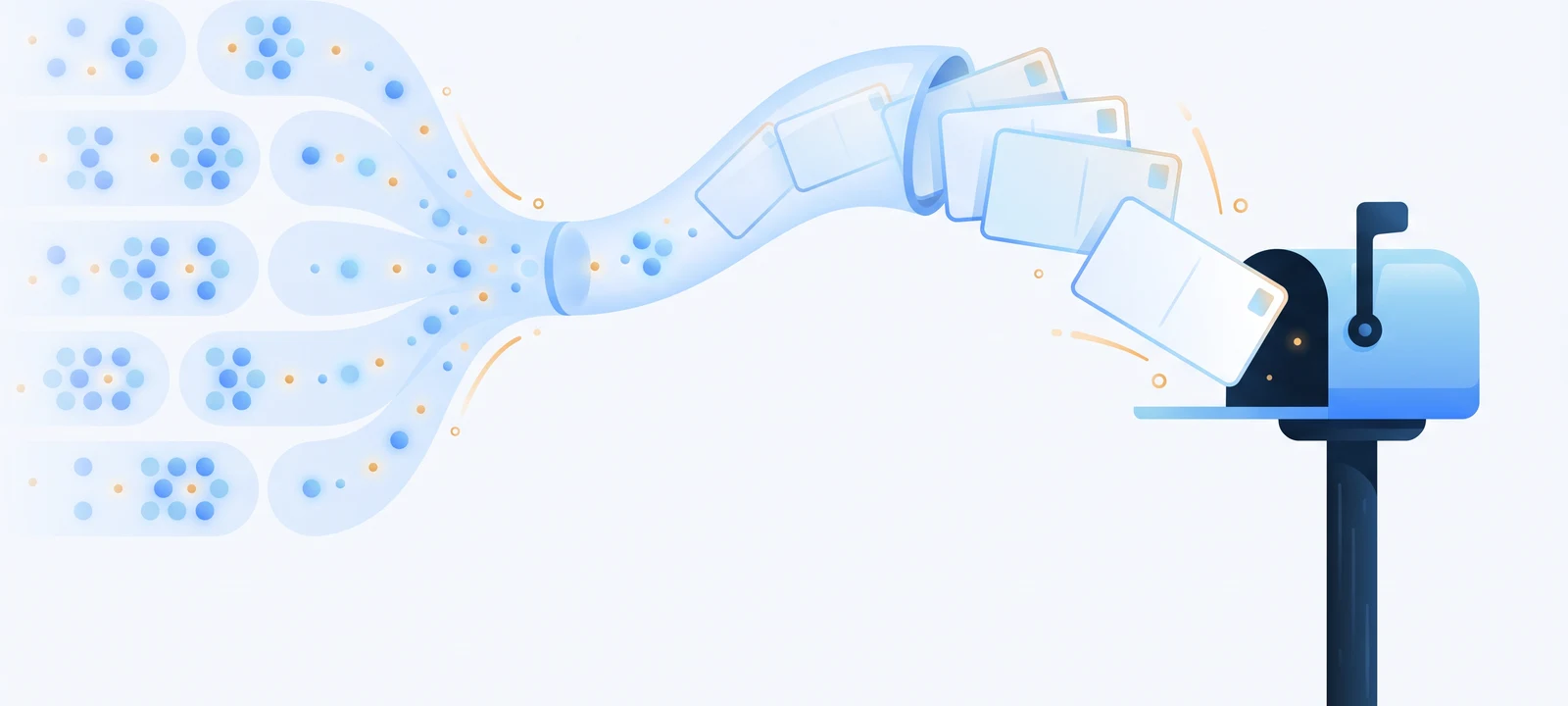
The four routes from Klaviyo to a mailbox
| Flow webhook | CSV export | TouchDrop (AU) | |
|---|---|---|---|
| How it works | A webhook action in a Klaviyo Flow queues one card per profile reaching that step | Export the segment, upload it to a mail house or print portal | Point a TouchDrop campaign at the segment; it mails as the segment updates |
| Stays in sync | Yes, event by event | No: a snapshot that goes stale the day after export | Yes, pulled once a day |
| Timing control | Precise: any step in any Flow | Whenever someone remembers to export | Automatic on segment entry |
| Effort to run | One webhook action, set once | Manual every send | Set once |
| Attribution | Per-recipient codes and matching, built in | Whatever the print vendor offers, often nothing | Unique code + QR per recipient, plus email and address matching |
The first and last columns are both TouchDrop routes, and they compose: many brands run segment sync for standing winbacks and a Flow webhook where Klaviyo already owns the timing. The fourth route, a developer build against a print API such as PostGrid, buys full control at the cost of building sync, suppression and attribution yourself. The middle column is what most brands are escaping.
The flows Klaviyo users actually mail
- Winback: the churned or lapsed segment you already maintain, mailed as it fills. For the subscription version, see direct mail for subscription brands.
- Unengaged and suppressed profiles: the audience email can no longer reach at all, covered in reaching unengaged customers.
- VIP moments: a physical thank-you triggered from the VIP segment carries more weight than a tenth email.
- Replenishment: a card timed by the Flow to land near reorder day, arriving 3 to 7 business days after dispatch via Australia Post.
What to check on any platform
Whatever product you evaluate, four questions separate a real Klaviyo integration from a checkbox: does it consume segments continuously or import a snapshot; can a Flow control timing; are suppressions applied on the mail side as well; and is attribution per recipient rather than per campaign? For how TouchDrop answers the attribution one, see the tracking guide; the broader Klaviyo setup lives on the Klaviyo direct mail page.
Frequently asked questions
Which Klaviyo objects can trigger cards?
Segments and lists. Point a campaign at a Klaviyo segment and TouchDrop mails it as it updates, or add a webhook action inside any Klaviyo Flow so each profile that reaches that step queues one card.
Do I rebuild my segments in TouchDrop?
No. The point of the integration is that your Klaviyo segmentation keeps being the source of truth: winback, VIP and replenishment segments you already maintain are the ones that get mailed.
Do I need the webhook or the segment sync?
Either works alone. Segment sync suits standing automations that mail a segment as people enter it. The Flow webhook suits event timing you already orchestrate in Klaviyo, like a precise day in a churn sequence.
What happens to profiles without a mailing address?
They are skipped and reported, not failed. TouchDrop fills addresses from your connected store's order history where it can; profiles with no usable address never consume a card.
Related reading
Your Klaviyo segments, in the mail.
Segment sync or Flow webhooks, printed and lodged inside Australia, attributed per recipient.
Get started free